Minnty Sound
Stream audio from PC to Android, or Android to Android.
Get the Android app here Get the PC server hereWhat it does
Minnty Sound has two parts: a lightweight server that runs on your PC and captures its audio output, and an Android app that plays it back. They find each other automatically on the same network, so you can listen to whatever your computer is playing on any Android device in the house.
- Real-time, low-latency streaming over Wi-Fi or USB tethering.
- Synchronised mode keeps several devices playing in perfect step.
- Automatic server discovery — no IP addresses to type in.
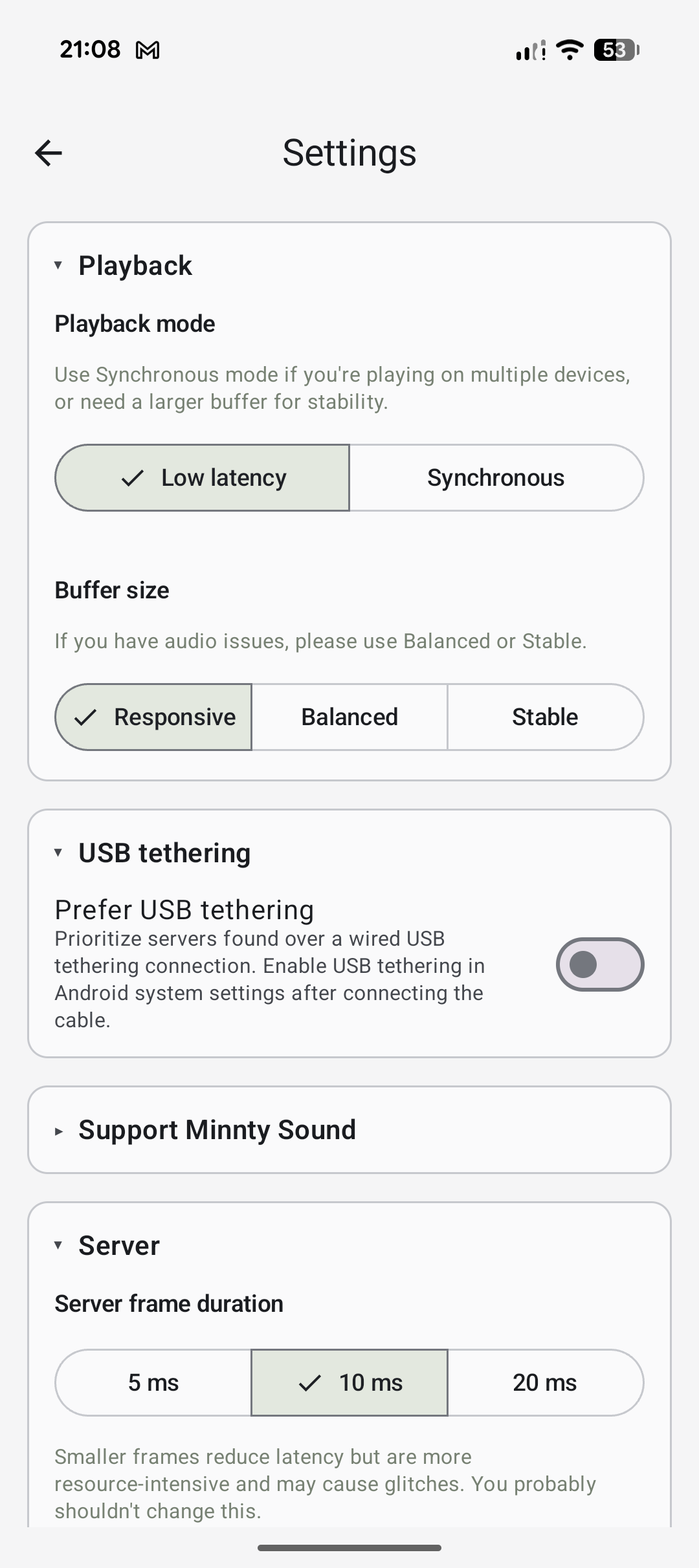
- Selectable buffer presets to trade latency against stability.
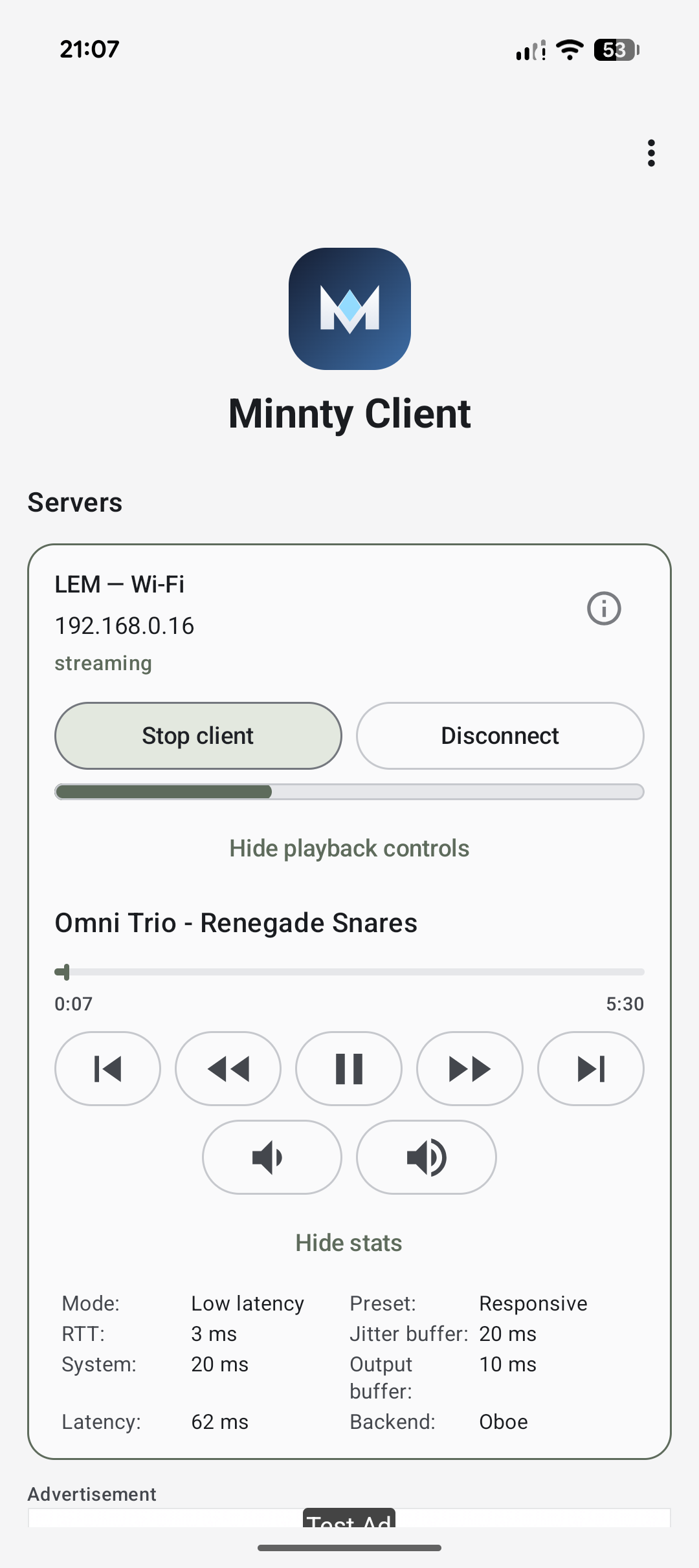
- Playback controls and now-playing info, right in the app.
Screenshots
Getting started
- Install the Minnty Sound Server on your PC and launch it.
- Install the Minnty Sound app on your Android device.
- Make sure both are on the same local network (Wi-Fi or USB tethering).
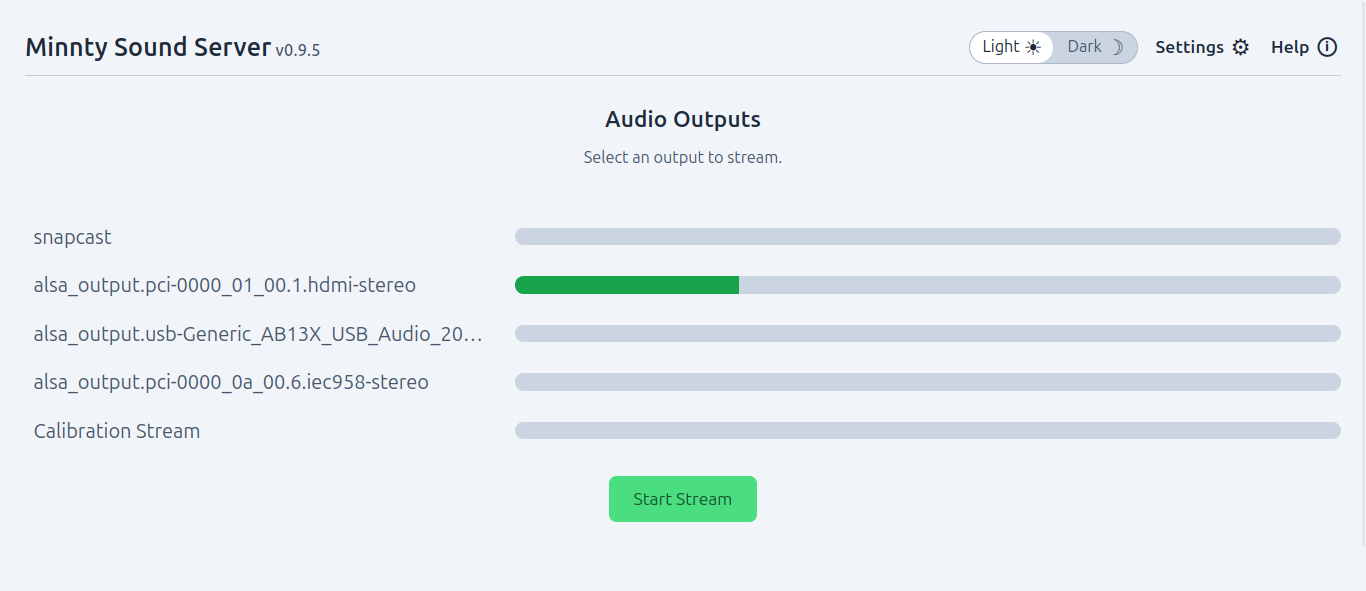
- In the server, choose the audio output you want to stream and press Start Stream.
- Open the app — your server appears under Servers. Tap it, then press play.
- If audio isn't perfectly smooth, open Settings and try the Balanced or Stable buffer preset. For multiple devices in sync, switch playback mode to Synchronous.