Use Android as a server
An Android device can send audio from compatible apps to other Minnty Sound devices on your local network.
Android only allows audio capture from apps that permit it. Some apps, including ones with protected audio, cannot be streamed.
Start streaming
- Open Minnty Sound and switch to Server mode.
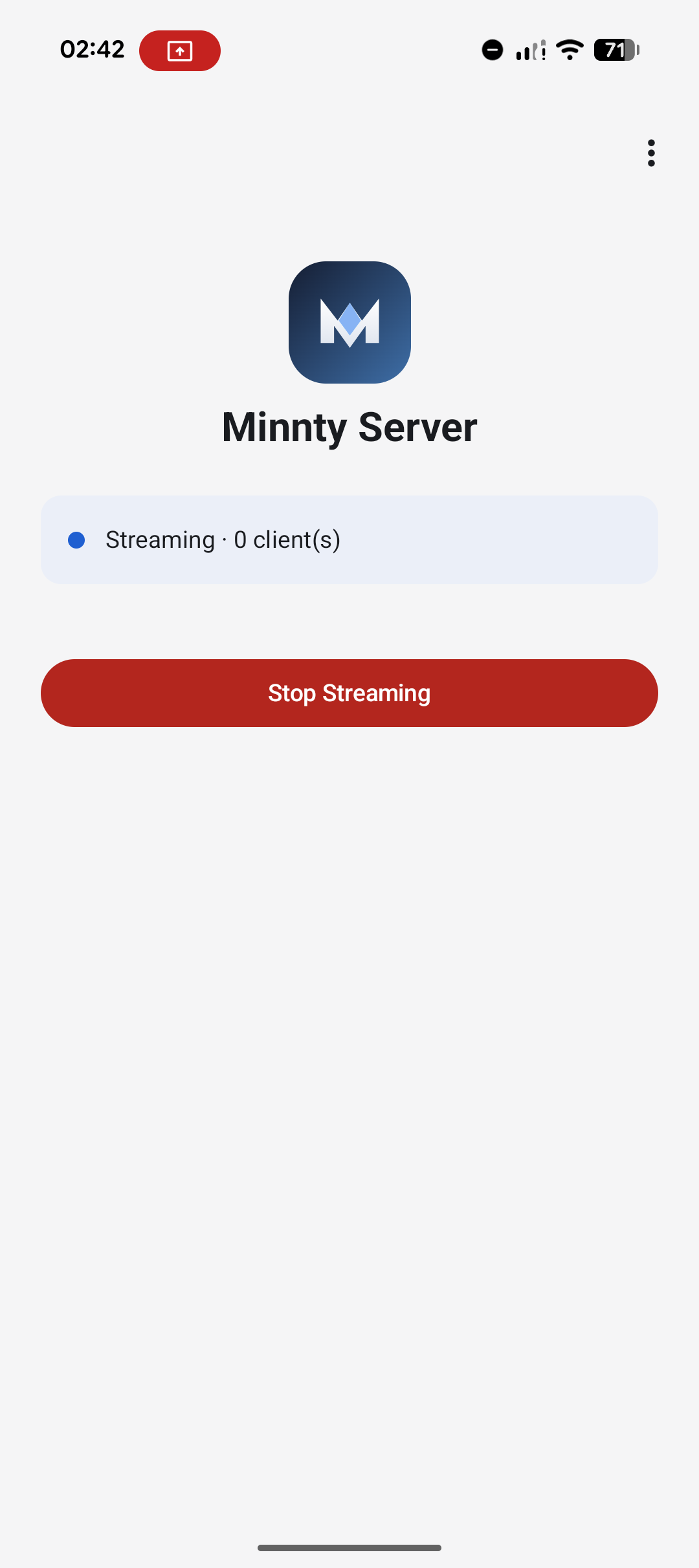
- Tap Start streaming.
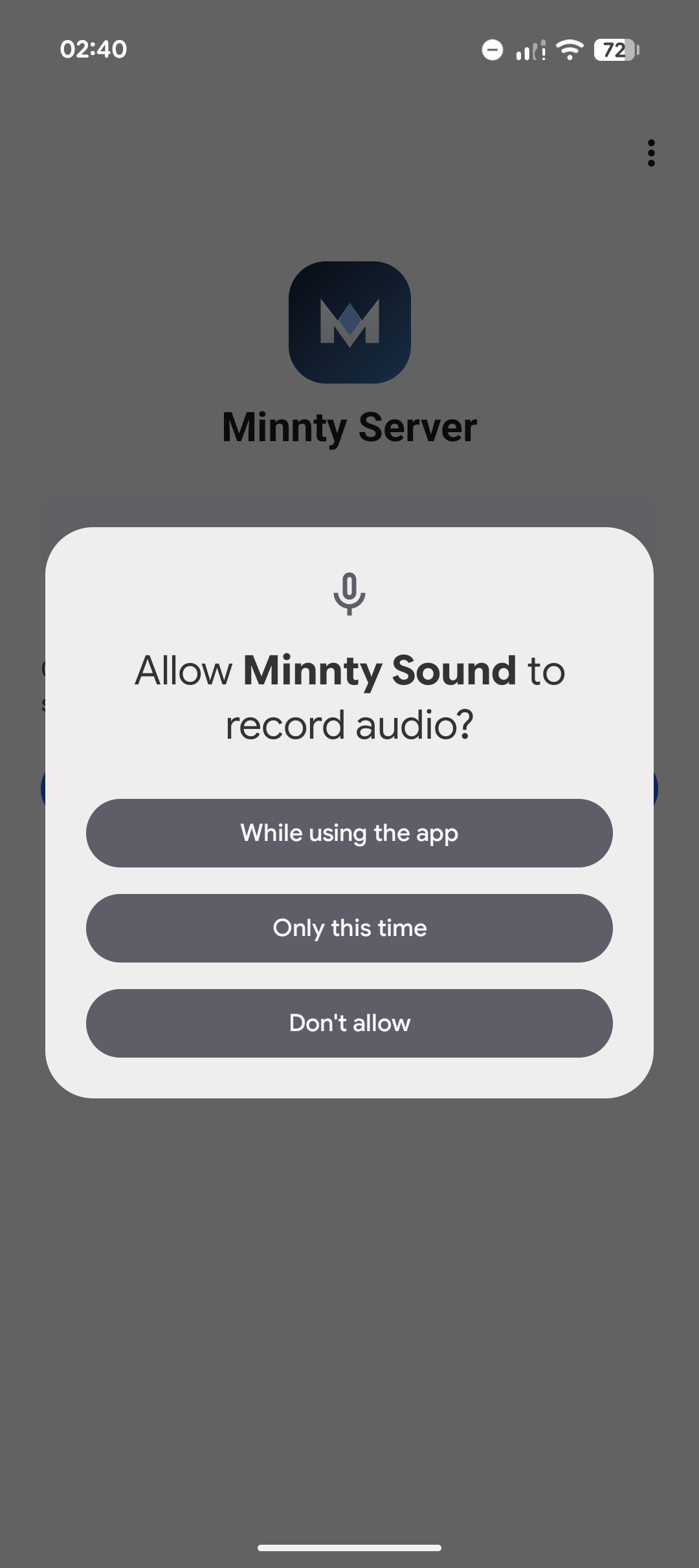
- Allow the Android screen and audio capture request when prompted.
- Leave Minnty's ongoing notification in place while streaming.
- On another Android device, find the server and start playback.
Good practice
- Keep the source device charged or on power for longer sessions.
- Use reliable Wi-Fi or USB tethering when possible.
- Stop streaming from the app when finished; cancelling the Android capture permission also stops the stream.
- Use the same frame duration on test devices when comparing timing.