Android settings
Settings let you choose between lower delay and smoother playback, keep several devices in sync, manage connections, and change the app's appearance.
General
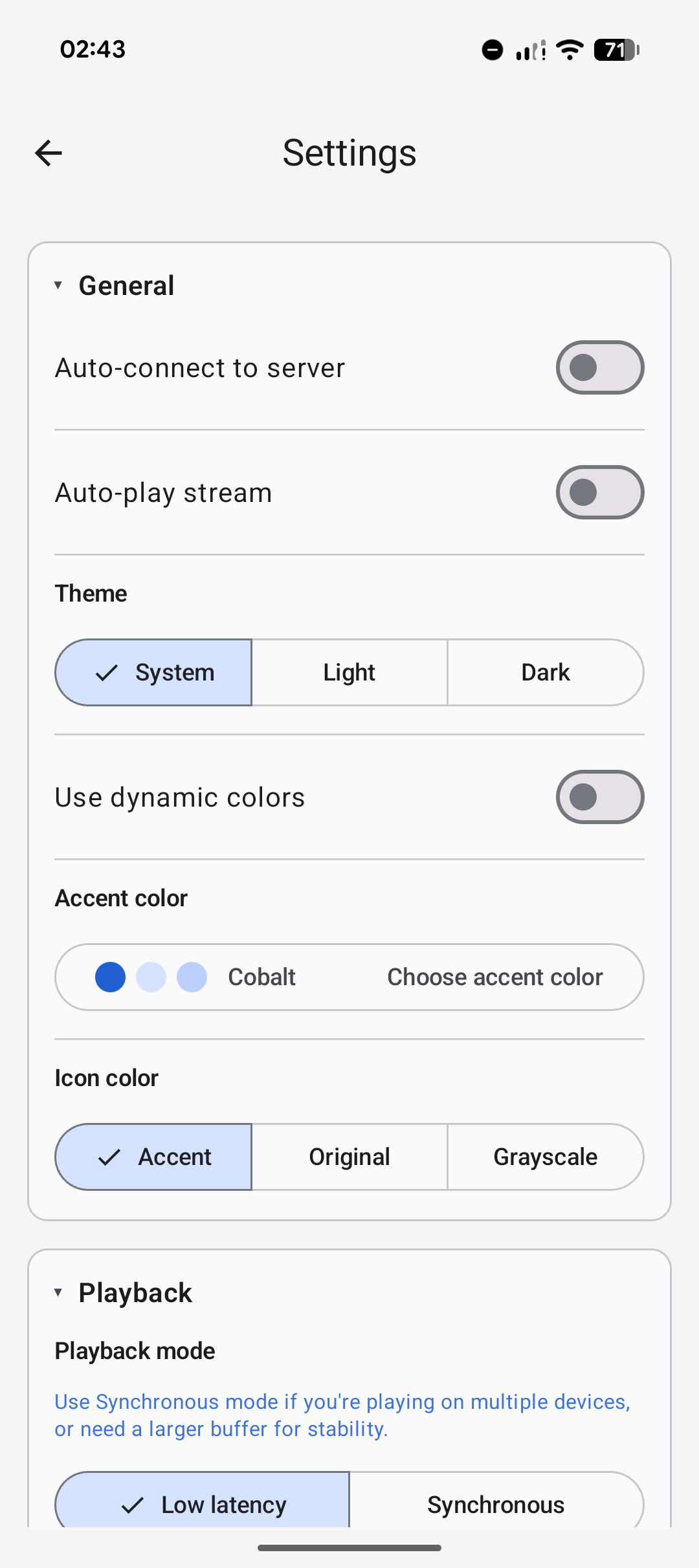
Automatic connection and playback reduce the number of taps needed when returning to a familiar server. Use them when the same source and network are available most of the time.
Playback mode
Playback mode lets you choose between lower delay and playback that copes better with an unreliable network.
Responsive
The least delay. Best for a strong, quiet network and one listening device. It is more likely to reveal changes in Wi-Fi quality.
Balanced
The recommended starting point. It keeps delay low while coping with ordinary Wi-Fi changes.
Stable
Uses more audio held in reserve. Choose it when sound drops out, the network is busy, or devices are farther from the access point.
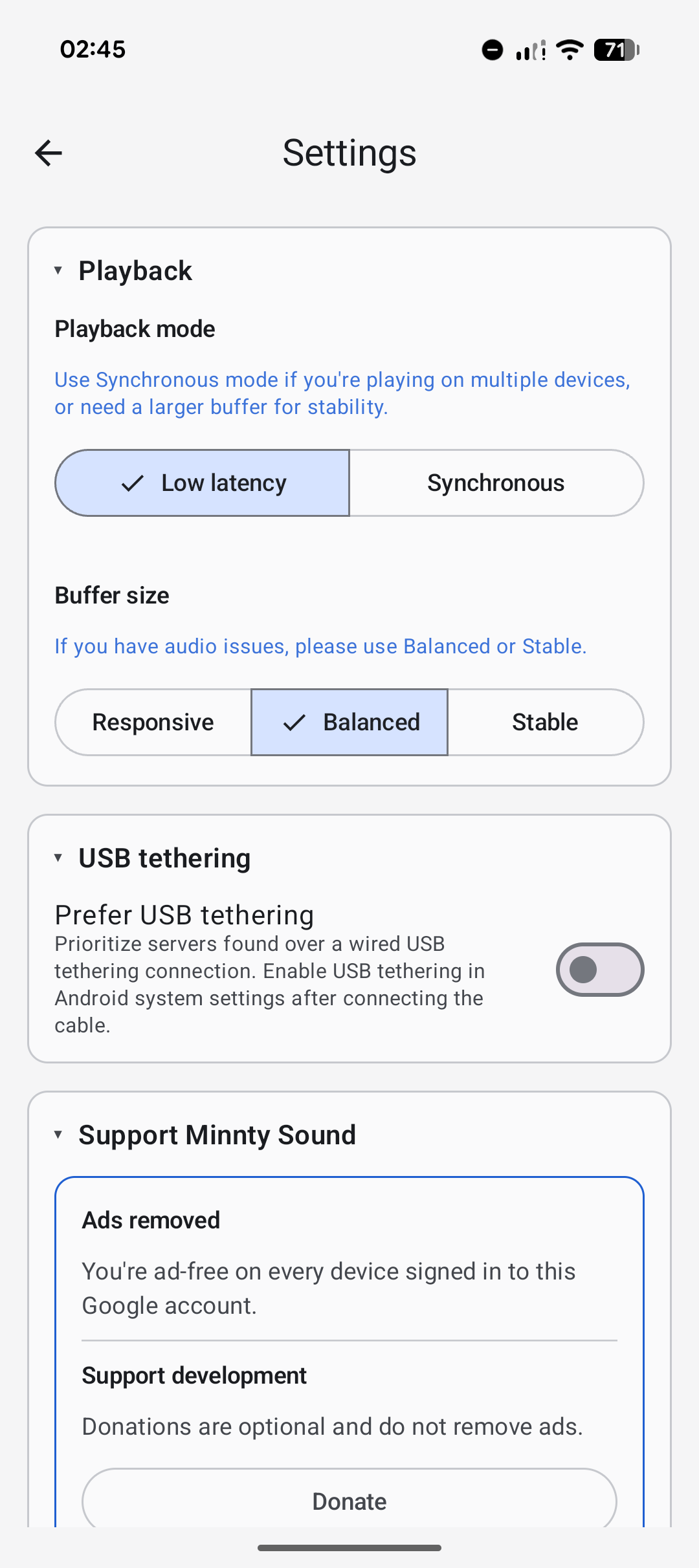
Synchronised
Uses a shared timing lock to keep devices together. Once it has locked, playback should be very close without manual adjustment.
Synchronised playback controls
Scheduled is the recommended playback method: it keeps timing steady and devices together. Direct is mainly useful for unusual device compatibility cases. Allow up to 30 seconds for the timing lock; if it has not been achieved, stop and start playback again.
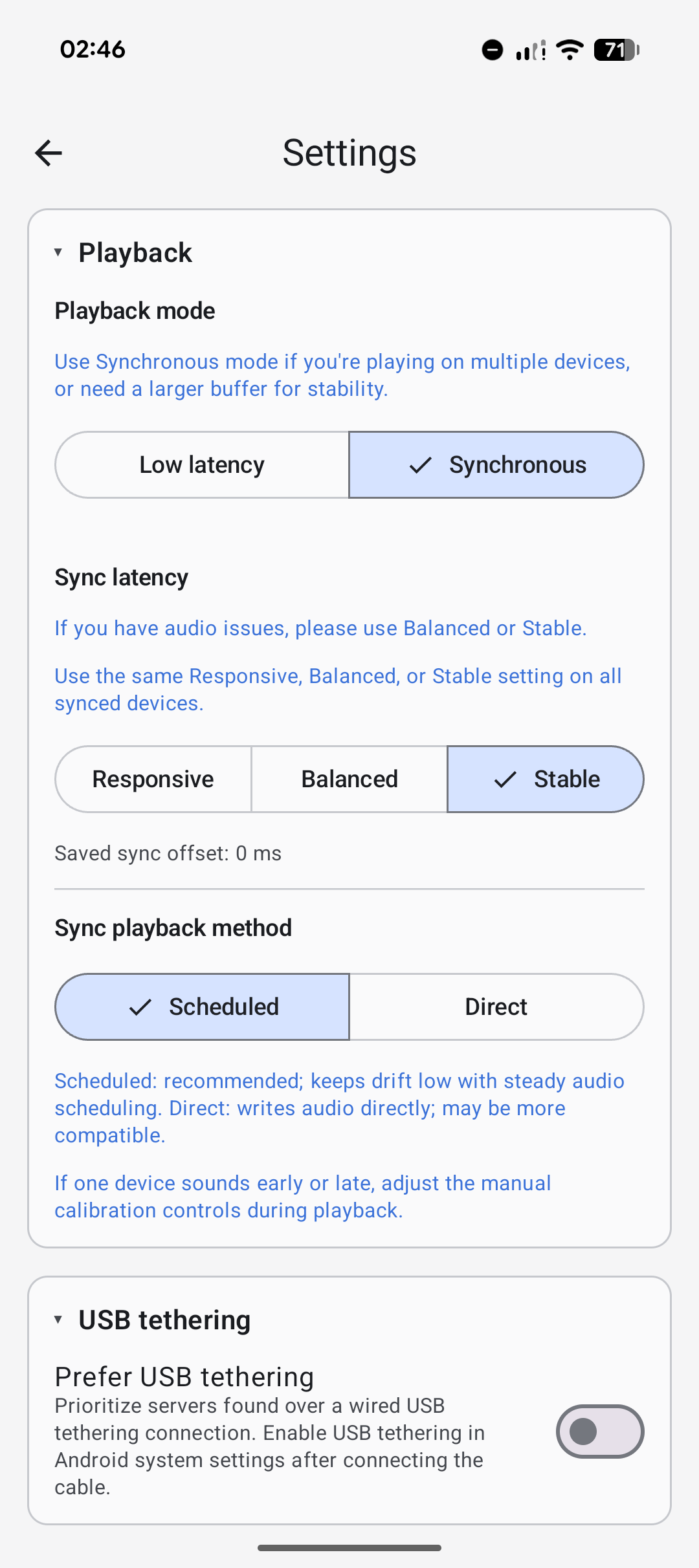
On rare older or unusual devices where the timing lock cannot be achieved, you can try the manual calibration controls to bring out-of-sync devices together. Those controls appear in the connected server row while playback is active, not in Settings.
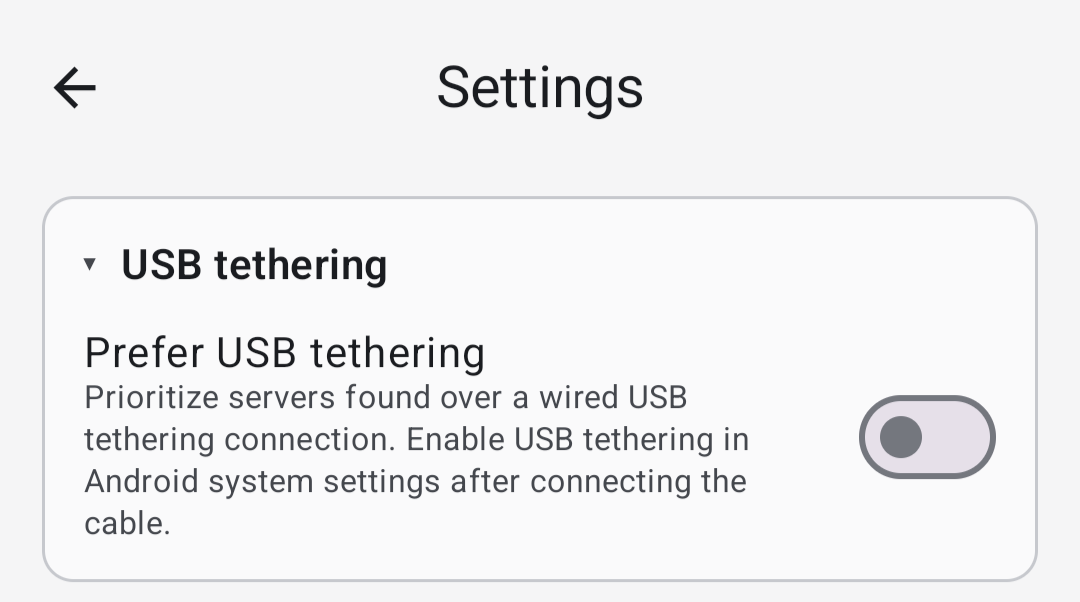
USB tethering
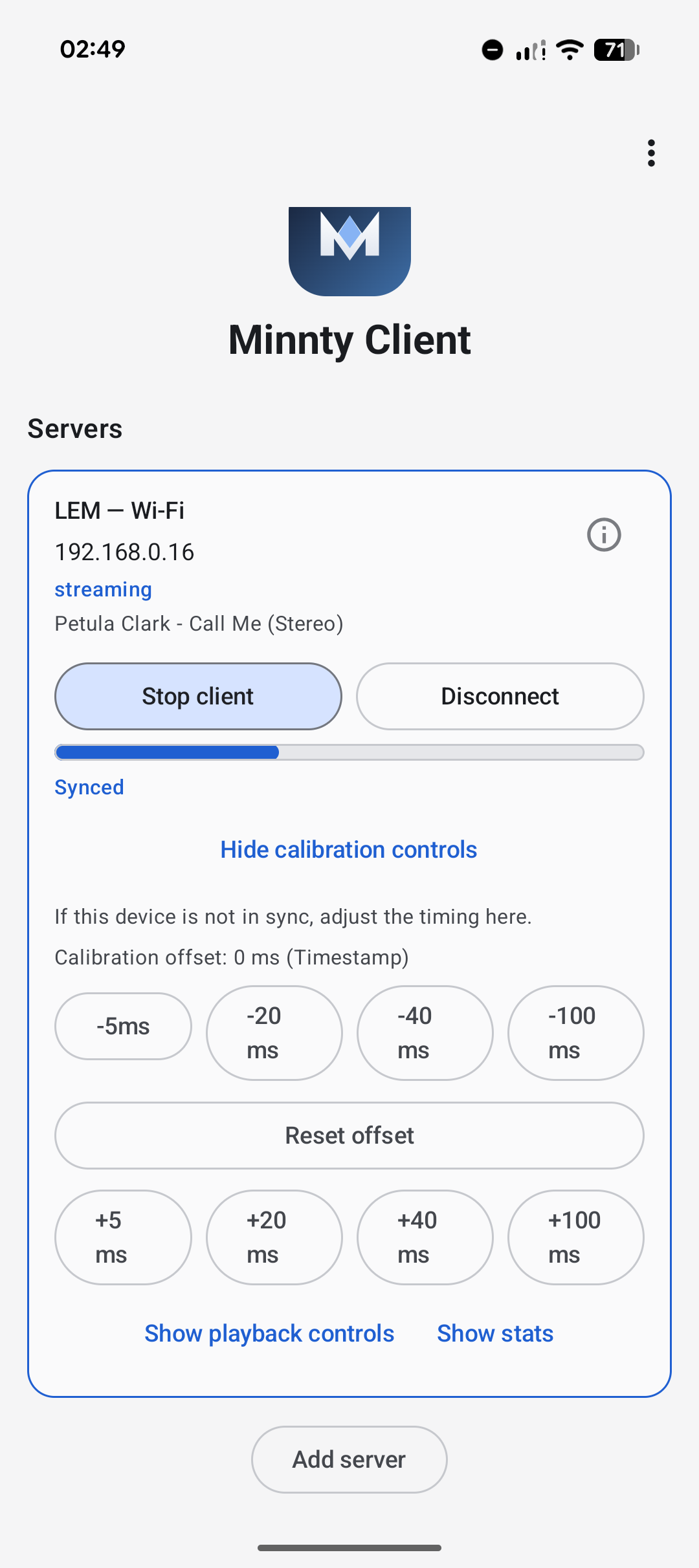
Use this option when devices connect through a phone's USB tethering connection and you want Minnty Sound to favour lower delay. First connect the phone to the other device with a USB cable, then enable USB tethering in the phone's Android system settings. Once the tethered connection is active, enable this preference in Minnty Sound.
It does not enable Android's USB tethering setting for you.
Support and privacy
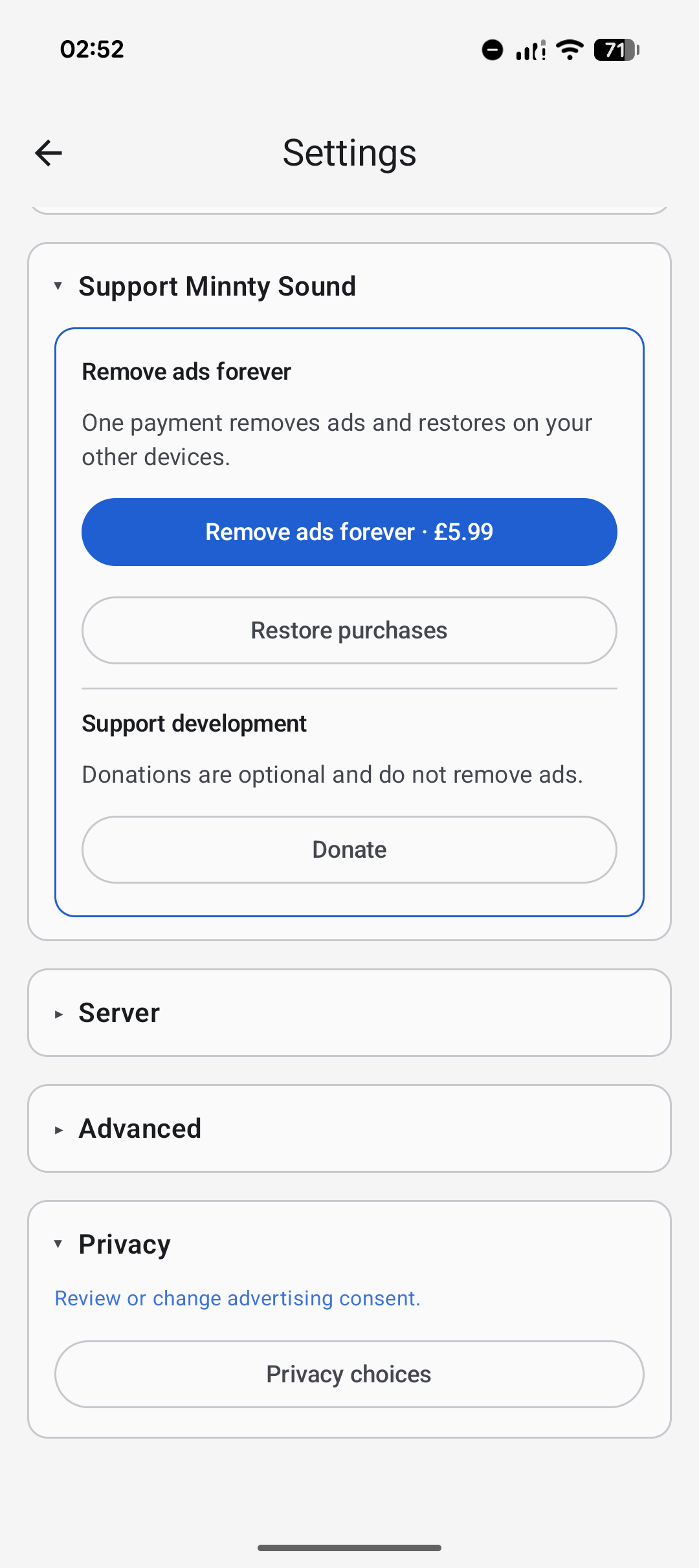
The Support section shows the one-time Remove Ads purchase, restore and verification controls, and the optional donation link. Privacy choices open the advertising-consent controls so you can change your ad personlisation consent choice.
If a setting does not seem to help, change one thing at a time, test for a few minutes, then keep the lowest-delay setup that remains reliable.